Switching from Close
The Close alternative for cold calling. Your data moves with you.
You enter your Close API key, pick your team and start the import. Leads, contacts, tasks, calls, emails and notes come over. Close is only read, never changed.
No setup fee · cancel anytime
- 0
- changes to your data in Close: the import only reads
- €12,830
- less per year than Close Growth for 5 callers making 200 calls a day each (as of 09/2026, calculation below)
- 1.5M+
- dials ran through Coldfire since 2023
- €0
- setup fee, the import is included in Solo and Team
What makes leaving Close hard
01
Every minute costs extra
On Close Growth you pay for numbers, minutes via Twilio and AI transcription on top of the seat. For five callers making 200 calls a day, that is more than twice the seat cost, according to Close's price list from September 2026.
02
Your history lives in Close
Leads, notes, calls, tasks: over months, everything you know about your leads piles up in Close. Nobody wants to scrape that together via CSV or simply give it up.
03
The team has to come along
Every caller needs an account. And their calls, emails and tasks should land with them, not with just anyone. Nobody wants to map that by hand.
Switching from Close in one minute
Enter the API key, pick the team, import, keep calling: one run-through in the Coldfire demo workspace.
All companies, people and numbers shown are demo data.
How it works
- 1
Mailbox and key
First connect your mailbox in Coldfire so imported emails are visible. Then enter your Close API key under Settings → Close import and test the connection.
- 2
Pick the team
Coldfire reads the users from Close and matches them to your team by email. You decide whose data comes along and invite missing people right there.
- 3
Import
The import runs in the background. For each kind of data you see live what was created, skipped or failed.
- 4
Keep calling
Build a list from the new leads, for example by your old Close status, and start the Power Dialer.
What comes along when you switch
The full history on the lead
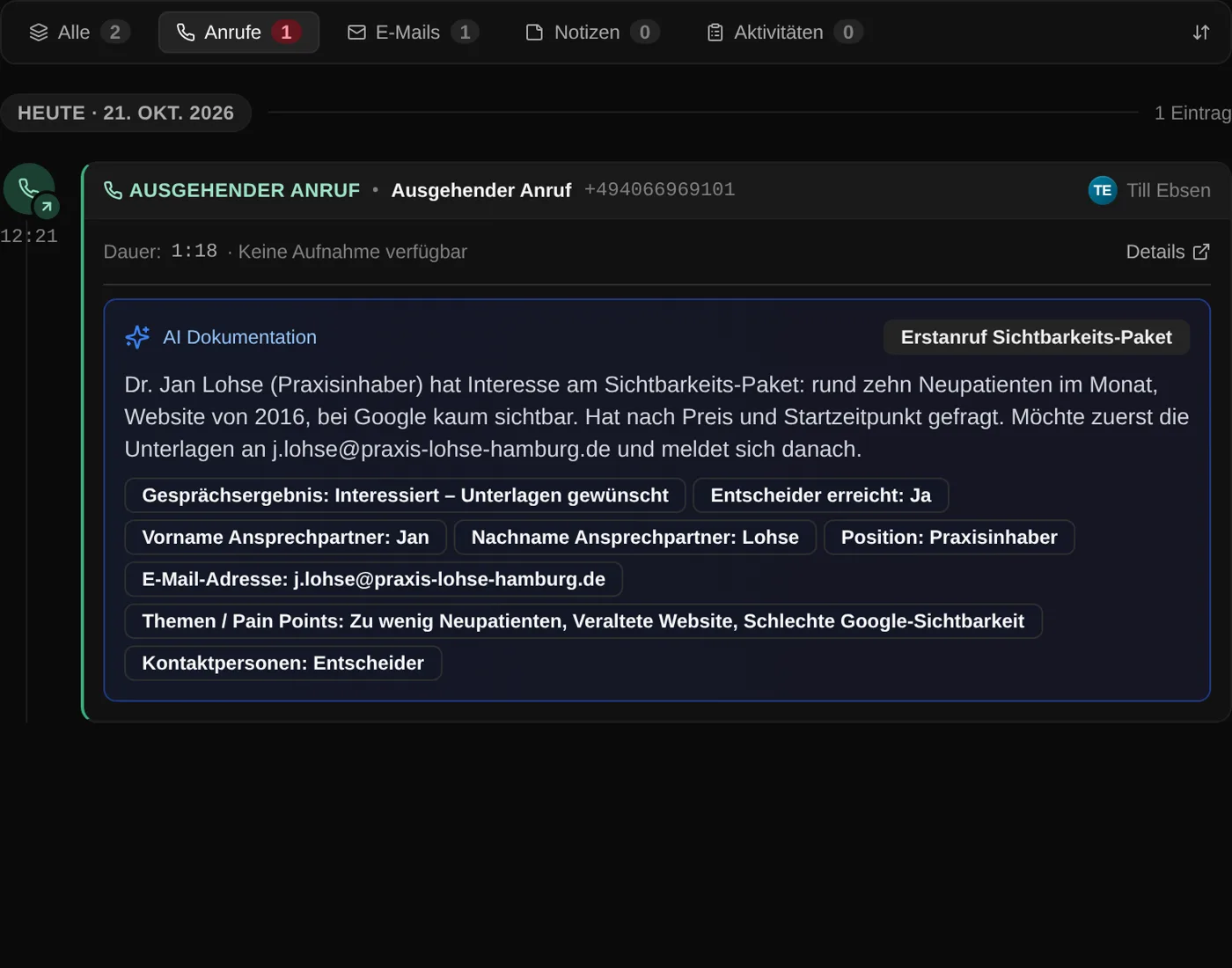
Calls with duration, direction, number and note. Emails with subject and body. Notes and tasks with due date and done status. Voicemails are marked [VM], including the transcript from Close. Your email templates come along too, you adjust their Close placeholders afterwards.
The team moves with you
Close users with the same email as in your Coldfire team are matched automatically. On the Team plan you invite missing ones with a role in the same step. Their calls, emails, tasks and notes land with them straight away.

Close stays untouched
Coldfire only sends read requests to Close, writing is blocked in the code. You can keep working in Close until you switch and run the import once more just before. It skips what is already there and adds what is new.

Leads, contacts and addresses
Every Close lead becomes a lead in Coldfire, with its contacts and all its addresses. The description from Close appears as a note on the lead.
Your Close status stays
In Close you name statuses freely, Coldfire works with fixed lead statuses. So the import creates a “Lead Status” field and copies your Close labels word for word. You can then filter lists by that field.
Custom fields with their options
Custom fields on leads and contacts become custom fields in Coldfire: choice fields with their options, number, date, user. Anything that doesn't fit comes over as text. Fields on calls land in the call documentation.
We were Close customers ourselves
Around 2022 we did our cold calling with Close. Close is a good CRM, but it wasn't built for hundreds of cold calls a day. So we built Coldfire: a CRM only for cold calling, with a Power Dialer, the script in the call and follow-up work done on hang-up.
Who it's for
Teams calling with Close
You pay for seats, numbers, minutes and transcription. With Coldfire and your own SIP plan, call minutes are no longer billed one by one.
Team leads
You move the whole team in one go: match users, invite missing ones, bring the history over. Nobody starts from zero.
Solo callers
The Close import is included in the Solo plan too, for up to 10,000 leads. No setup fee, cancel monthly.
What 5 callers making 200 calls a day each cost
| Per month | Close Growth | Coldfire Team |
|---|---|---|
| Seats | 5 × $109 ≈ €469 | 5 × €69 = €345 |
| Numbers and minutes | 5 × $1.50 per number + approx. $0.03 per minute via Twilio ≈ €574 | your own flat-rate SIP plan, guide value 5 × €10 = €50 |
| AI transcription and notes | Call Assistant $50 + $0.02 per minute ≈ €421 | included in the plan, with fair-use limits |
| Total per month | ≈ €1,464 | €395 |
| Total per year | ≈ €17,570 | €4,740 |
| Basis | Close's public price list, as of 09/2026, $1 = €0.86 | 22 working days, 1 billable minute per call, all prices excl. VAT |
Questions about switching from Close
Try Coldfire free for 14 days.
Import your leads, connect your phone line, make the first call. Cancel anytime.
