Power Dialer
A power dialer built for cold calling. The next number dials itself.
You start a list, Coldfire dials lead after lead — right in the browser. Company, script and objections are there before you need them. And when you hang up, the follow-up is already done.
No setup fee · cancel anytime
- 1.5M+
- dials have run through Coldfire since 2023
- 300+
- dials a day per caller
- 8 s
- countdown to the next number, adjustable
- 24 h
- your started leads stay reserved for you
Where the day goes in cold calling
01
Dialing instead of talking
Look up the number, type it, wait, voicemail. Two minutes pass between two conversations — over a hundred dials, that's hours in which nobody talks.
02
Admin after every call
Write the note, send the documents, set the follow-up. Doing that by hand means fewer calls. Or it gets skipped and the lead goes cold.
03
Two people call the same lead
Without a clear split, the same lead ends up with two people on the team. Awkward for you, annoying for the person you call.
The Power Dialer in one minute
Start a list, call, answer an objection, move on: a run in the Coldfire demo workspace (German voice-over, English subtitles).
All companies, people and numbers shown are demo data.
How it works
- 1
Pick a list
Take one of your lists, for example every dentist in Hamburg who has never been called, and hit start.
- 2
Call
Coldfire dials the first lead and opens the company. During the call you have script, objections and facts right next to you.
- 3
Hang up
Coldfire documents the call and does the follow-up you set up in your workflows.
- 4
Next
A short countdown, then the next lead rings. Until the list is done or you take a break.
What the Power Dialer does for you
Starts from any list
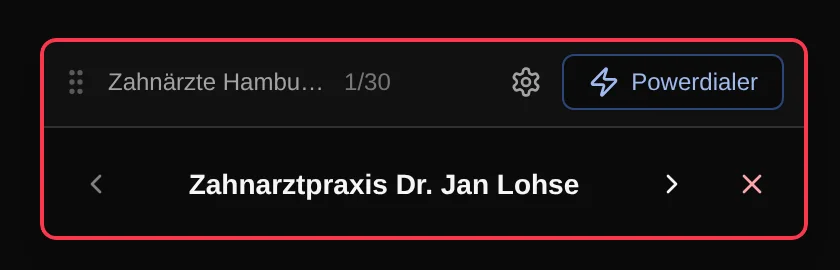
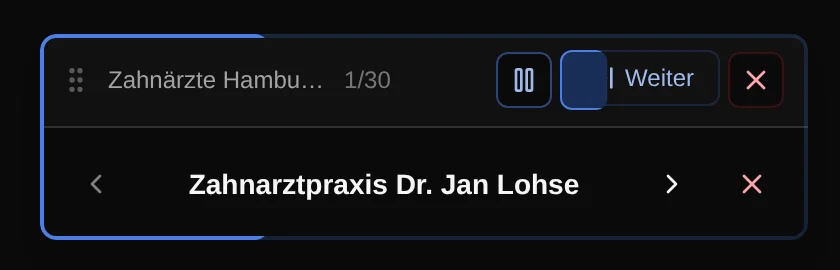
The dialer works through the leads of your list in order and loads more before it runs dry. Forward, back or skipping a lead is one click.
Lead context before anyone picks up
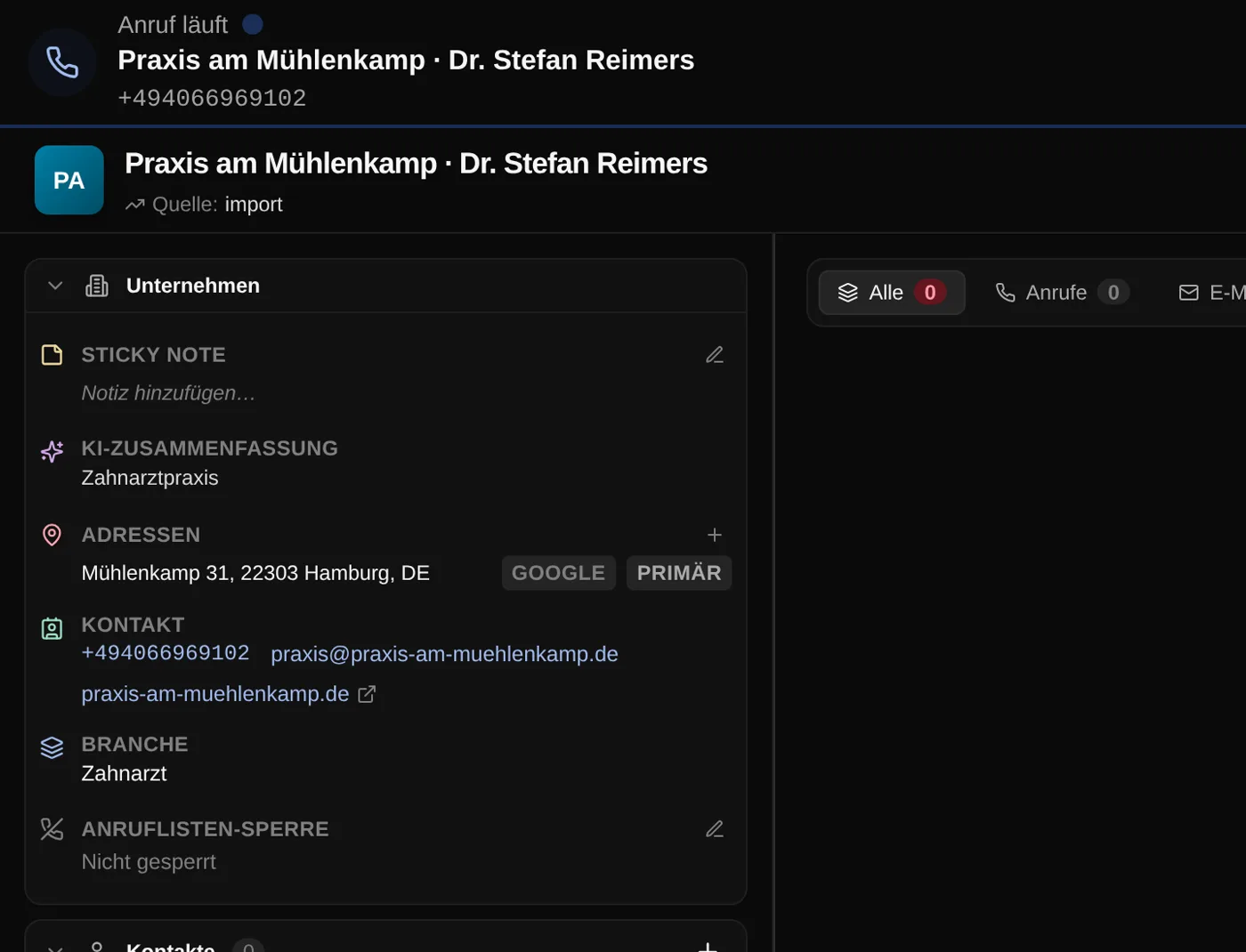
While it rings, the company is already open: address, contact, industry, notes and every earlier call, email and task. You know who you're talking to before you say hello.
Script and objections in the call
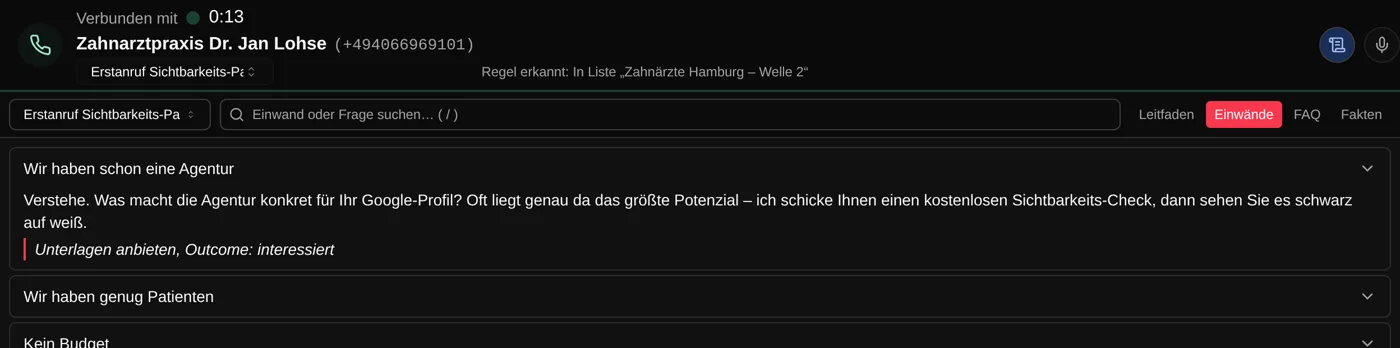
The right script appears with the call — Coldfire picks it by rule, for example by the list you're calling from. Guide, objections, FAQ and facts sit in tabs, and search (the / key) finds the answer to an objection in seconds.
Coldfire does the follow-up
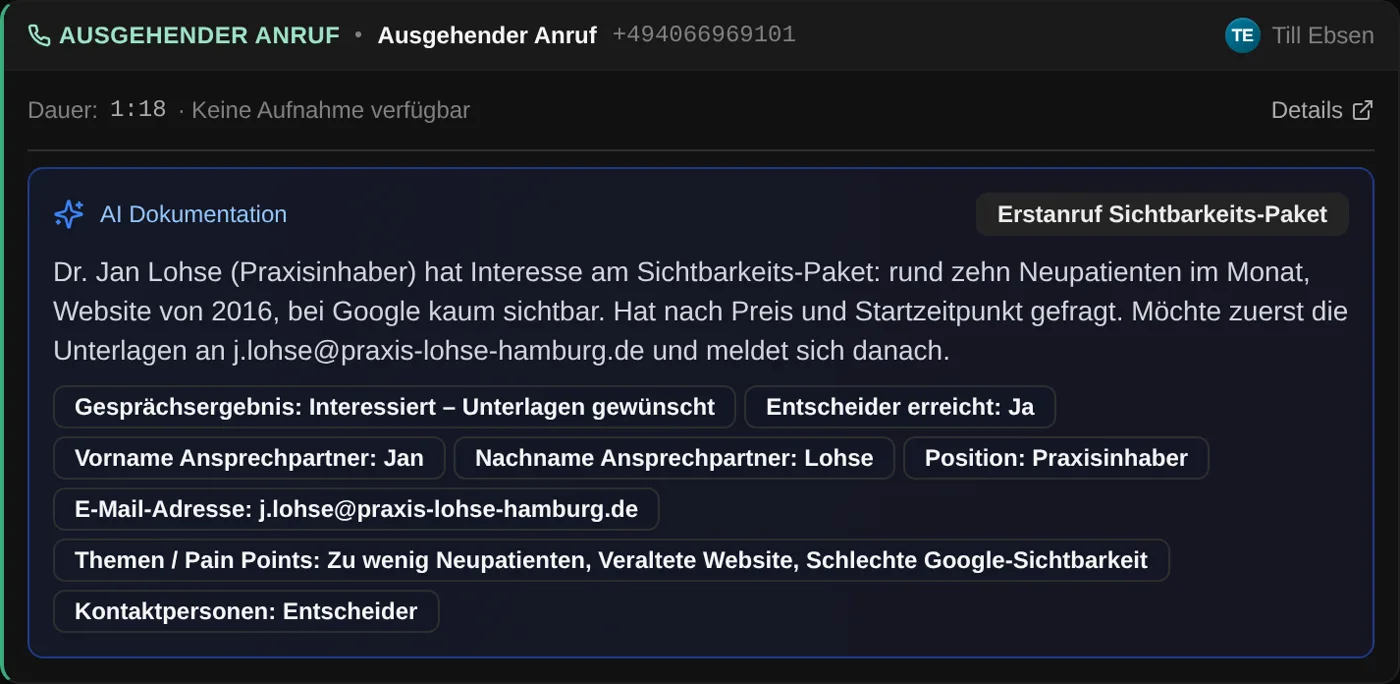
When you hang up, Call Documentator writes the summary and fields from the conversation. Workflows send the email, create the follow-up and set the status. You're already on the next call.
Countdown, pause and rules
Between two calls a countdown runs, 8 seconds by default, with a sound just before dialing. Switch tabs and it pauses. Leads without a phone number are skipped, and if you want, so is everyone already contacted today or with an open task.
No lead called twice
When you start a list, Coldfire reserves its leads for you for 24 hours. Anyone opening the same list gets other leads. The whole team works one list without getting in each other's way.
Calling right in the browser
No softphone, no install: Coldfire calls from the browser. Connect your own SIP account or use numbers from Coldfire, with a verified caller ID.
Who it's for
Setters and openers
You're on the phone all day. The dialer takes over dialing and admin — all you do is talk.
Team leads
Everyone works the same list without getting in each other's way. What came out of the calls, you see in the dashboards.
Solo callers
The Power Dialer is in the Solo plan just like in the Team plan. No setup fee, cancel monthly.
Dialing by hand or with Coldfire
| By hand | With the Power Dialer | |
|---|---|---|
| Next number | look it up and type it | dials itself after the countdown |
| Lead info | dig it up in another tab | open before anyone picks up |
| Objections | from memory | search the script, answer in seconds |
| Note and email | by hand after every call | done by Coldfire on hang-up |
| Follow-up | sticky note or calendar | created by the workflow |
| Double calls in the team | happen | leads reserved for 24 hours |
Questions about the Power Dialer
Try Coldfire free for 14 days.
Import your leads, connect your phone line, make the first call. Cancel anytime.
